Eight surfaces. One machine.
Slate is not a chat box with extras bolted on. Each surface is built for a real job, they share one context, and every one of them runs on your Mac. Here is what each does, and where the line between free and Pro falls.
The Roundtable
Ask one model and you get one model's blind spots. The Roundtable seats several, gives them roles, and lets them disagree before a chair reconciles the thread into a single answer.
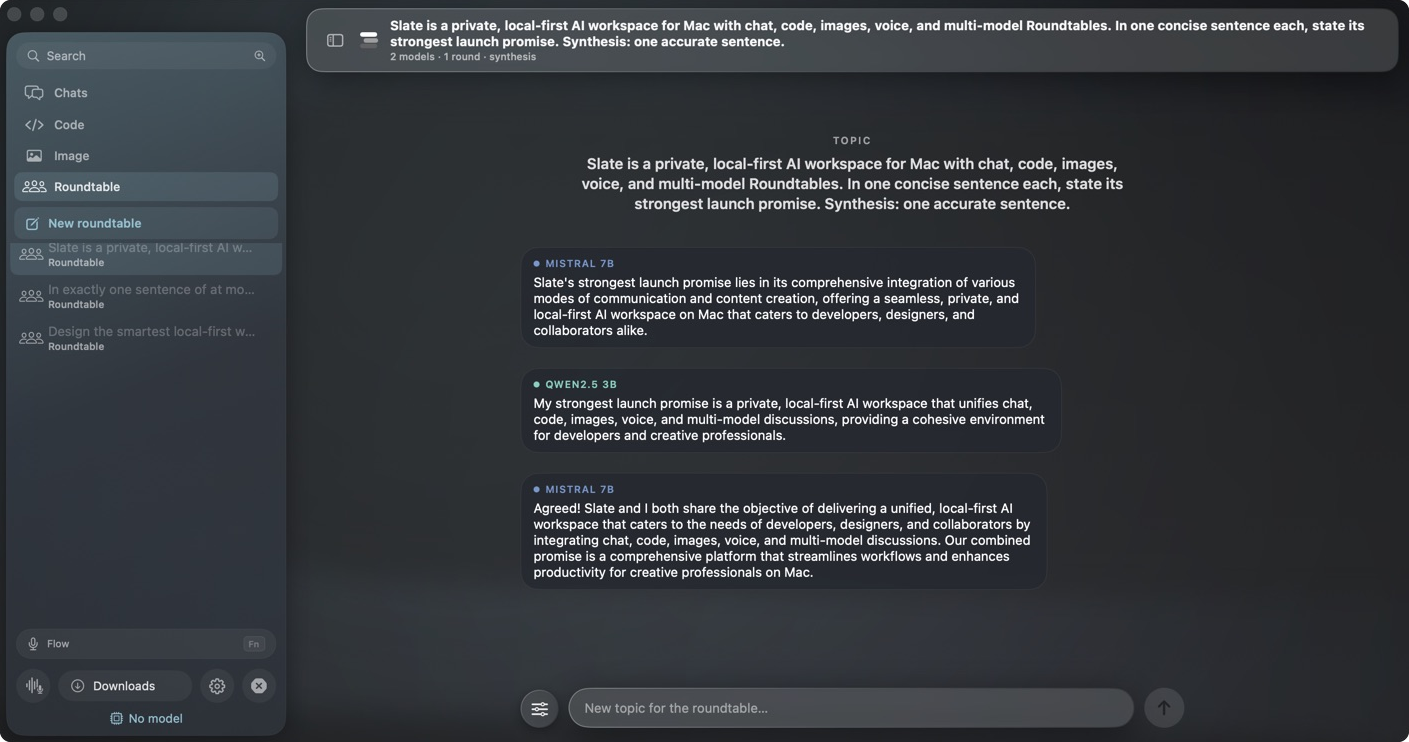
Seat the models
Two on the free build, more with Pro. Pick from what you have downloaded; a local Qwen next to a local Llama, or add a cloud seat with your own key.
Assign roles & rounds
Analyst, skeptic, builder, editor. Set how many rounds they trade takes, so the disagreement actually resolves instead of echoing.
Keep the synthesis
A chair model reads the whole transcript and writes the reply. You can read the debate that produced it, or just take the answer.
"Design a rate limiter for our API."
Three seats debate, the chair synthesizes
Chat
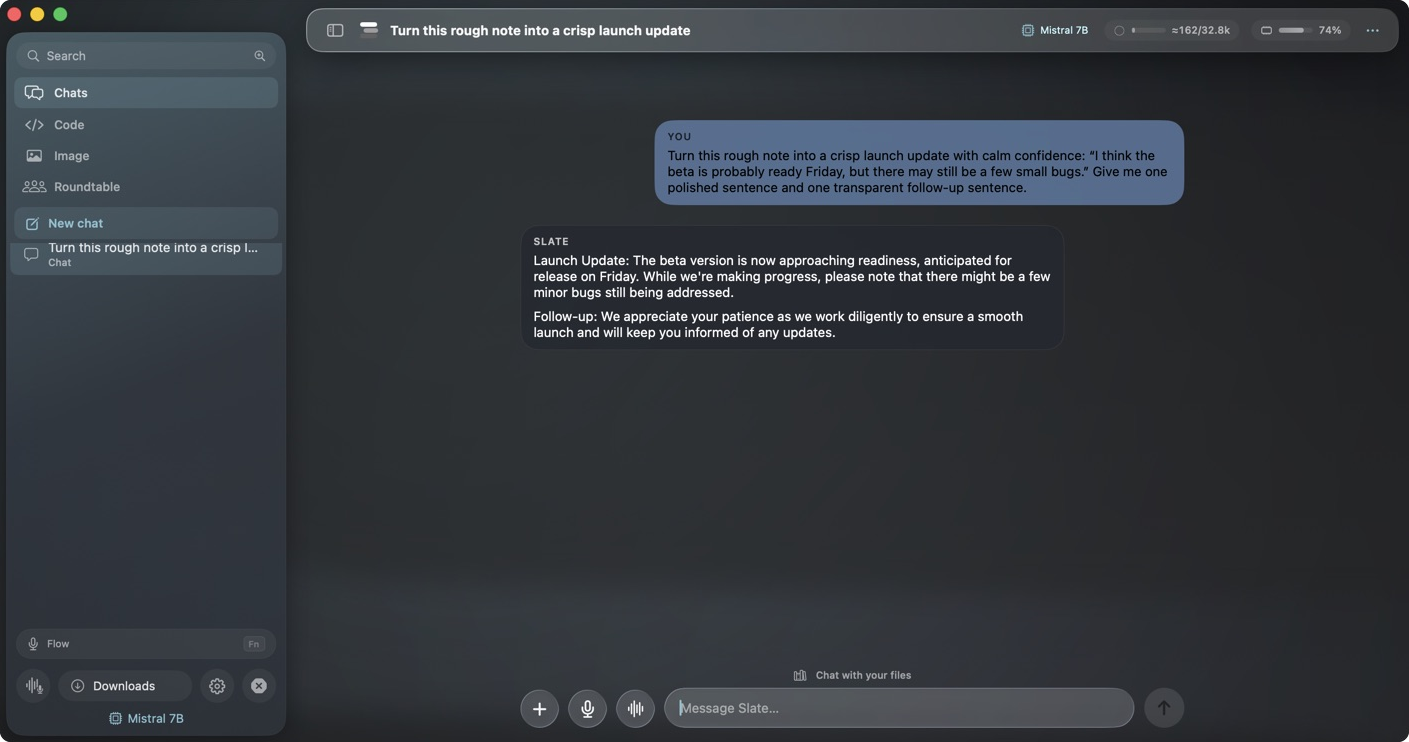
A focused conversation with a model that lives on your Mac. Bring any GGUF, attach a file or an image, and let it read your documents on device before it answers.
- Any local chat model, plus optional cloud with your key
- On-device retrieval over your own files
- Editable memory you can read and clear
Code
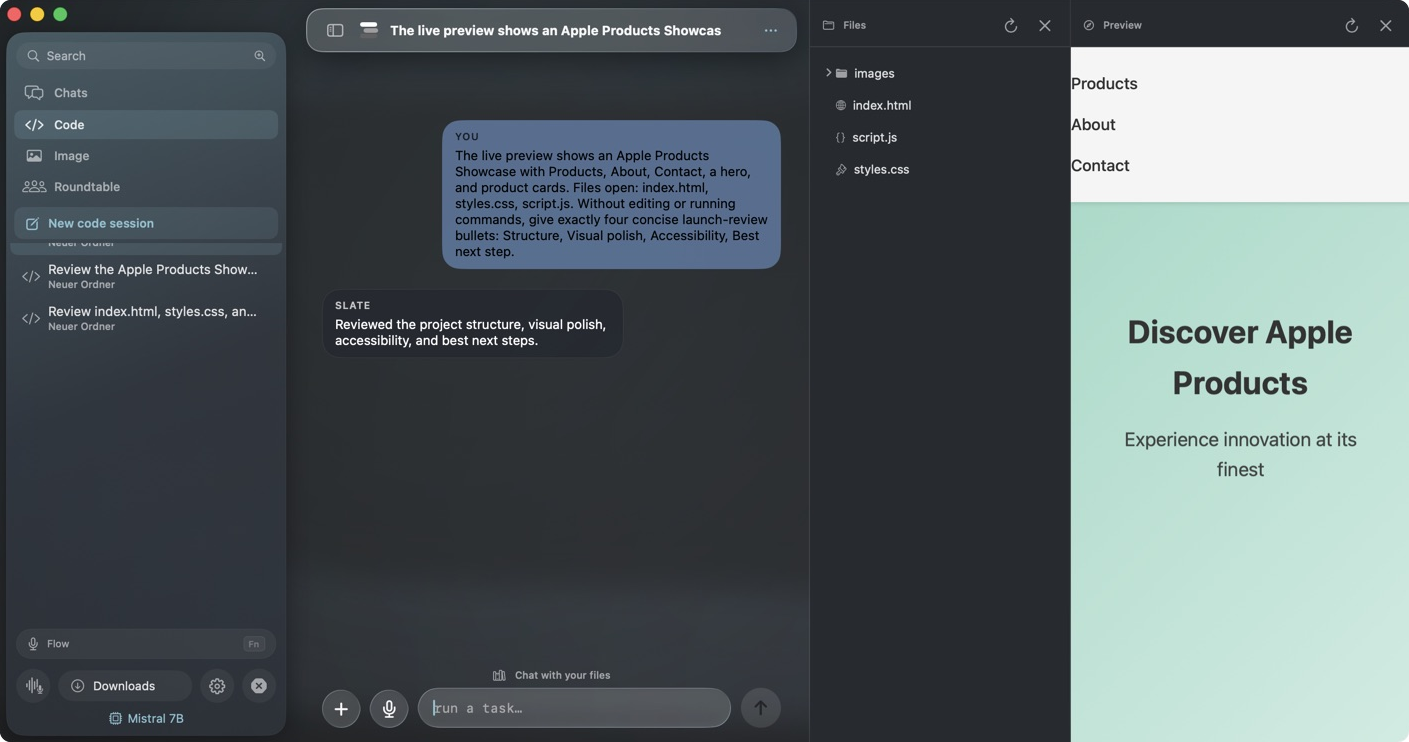
Point Slate at a project and choose how much rope to give it. Ask reads only. Edits proposes diffs you approve. Auto runs the loop. Every step is inspectable, and a checkpoint rolls you back when the plan beat the patch.
- Ask, Edits and Auto, with per-change approval
- Checkpoints, a repo map and Git-aware tools
- Per-project memory and a localhost preview
Image
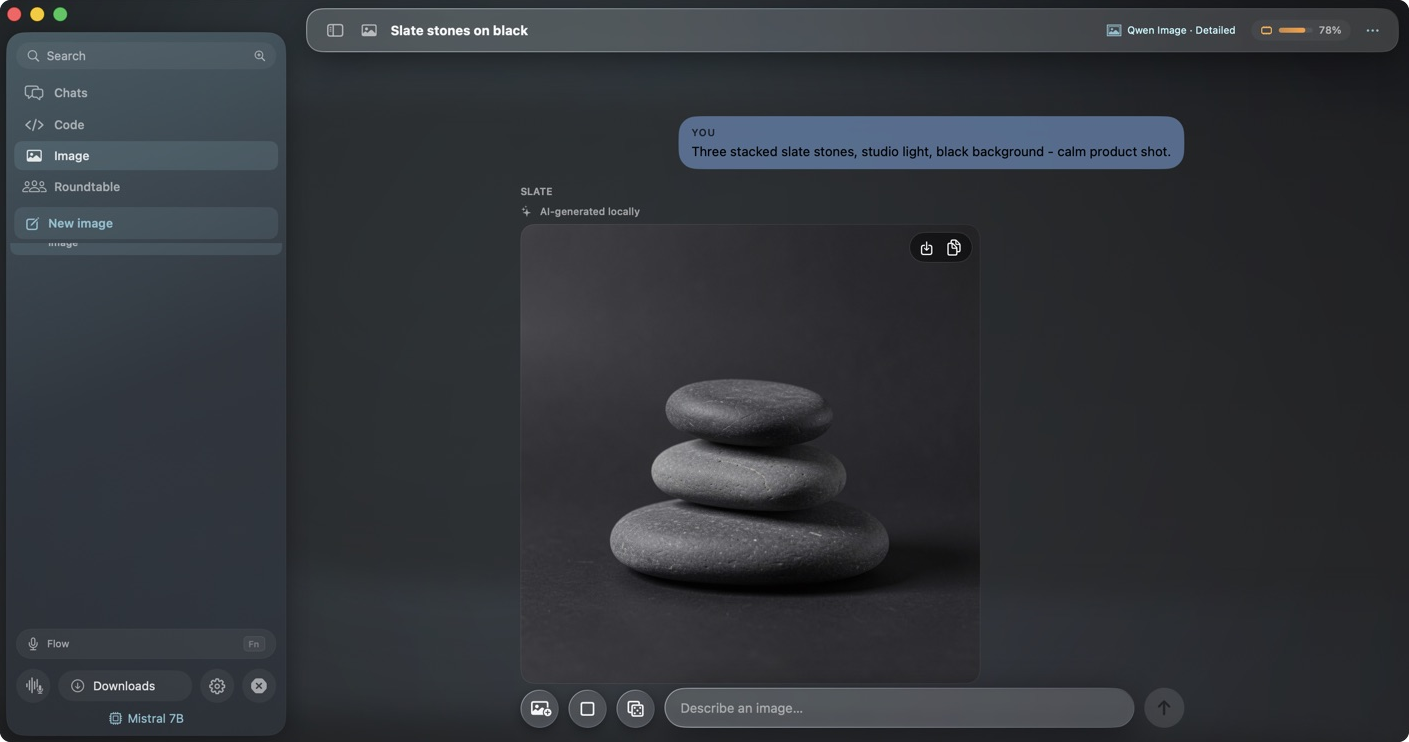
Run local diffusion models with the prompt never leaving the machine. Start from text, rework a source frame, or hold a seed to iterate a look, then drag the result into whatever you are doing next.
- Text to image and image to image, on device
- Seed control for repeatable iterations
- Save or drag straight into another surface
Voice
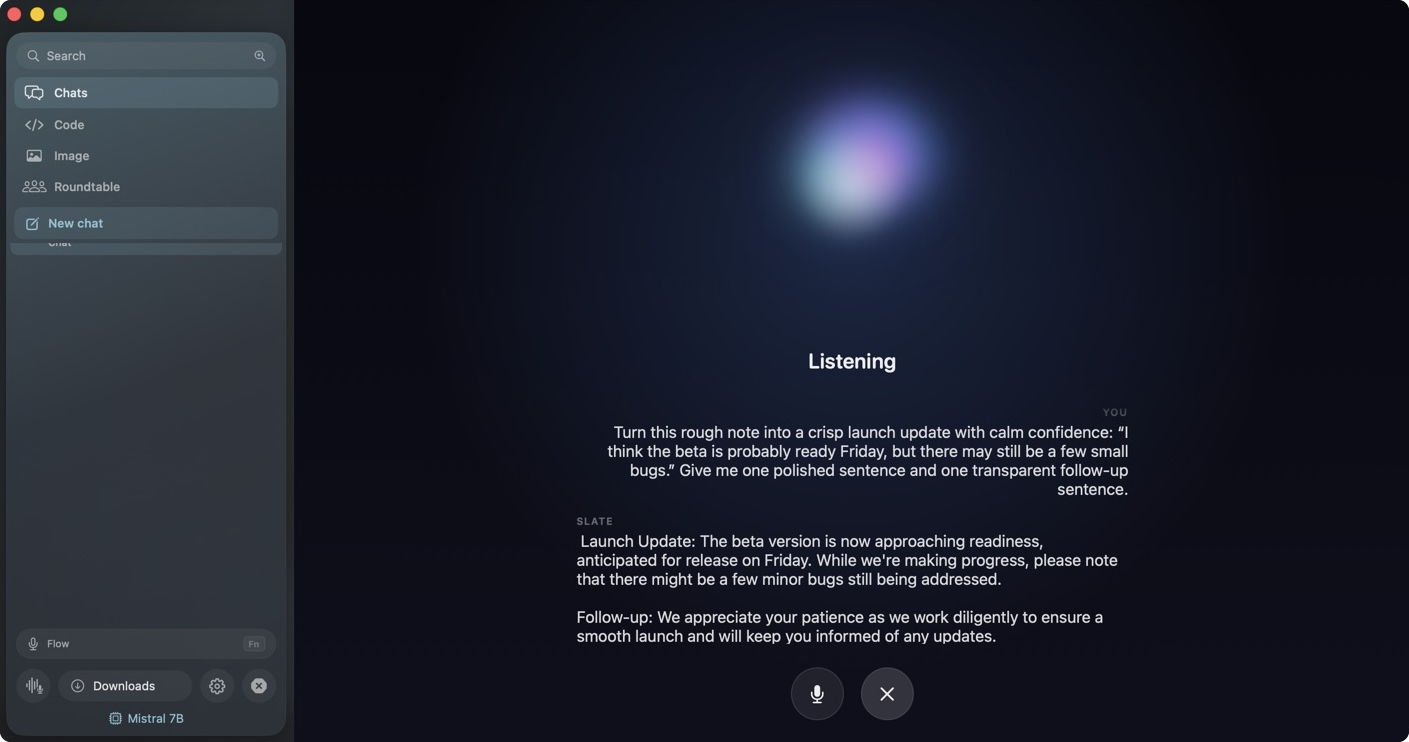
Speak instead of type. On-device recognition, turn detection and speech output turn a model into something you can talk with, hands off the keyboard, and not a single word streamed to a cloud transcriber.
- Local speech to text and text to speech
- Turn detection and interruption handling
- A real conversation, not a dictation box
Flow
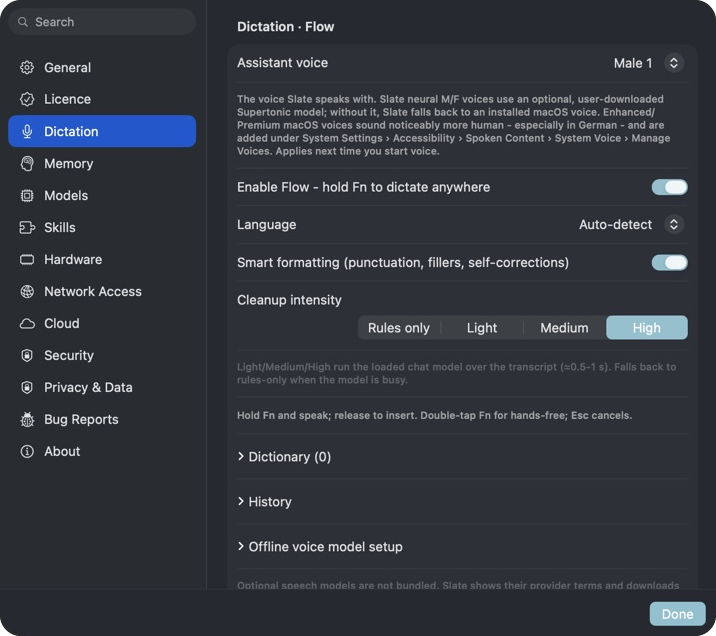
Hold a key and talk into whatever app has focus. Slate transcribes locally, cleans the result, and drops it at your cursor, in German or English, honouring the words and names you have taught it.
- Push to talk into any macOS app
- Local cleanup and smart formatting
- Custom vocabulary, German and English
Automations
Save a prompt as a repeatable job and let Slate run it on your Mac — on a schedule or on demand — with the same safe-by-default tools as Code. Every run streams its steps, lands in history, and notifies you when it finishes. No cloud cron, no server: your Mac does the work.
- Scheduled or on-demand agent runs
- Streamed steps, run history and a finish notification
- The workspace scope and tool permissions you set
Slate Remote
Pair your iPhone with a QR code and talk to your Mac's models from the couch. The phone is the remote — your Mac does the work and streams every token live, over an encrypted link that never leaves your home Wi-Fi.
The Mac side ships in Slate today. The iPhone app is in TestFlight now, ahead of the App Store, and it is free.
- Pair by QR — a private, end-to-end encrypted link
- Your Mac's models, streaming live on the phone
- Home network only · revoke a phone any time


The network tab stays quiet.
Conversations, memory, speech, images and code all run on device. The only calls Slate makes are the model downloads you start, a one-time licence check for Pro, and any cloud engine you turn on yourself.
Verify it on GitHubDownloads you start
Fetching a model from Hugging Face and friends is the one call you initiate.
One licence check
Pro verifies a key with the licence server. Keys live in the macOS Keychain.
Cloud, if you ask
Off by default. Enable a connector with your own key and only then does context leave.
Nothing else
No analytics, no crash pings, no conversation content, ever, to us.
Free to run. Worth paying for.
The everyday surfaces are open and free. Pro unlocks the rest with a single payment. See exactly what each tier includes.